Templates
Templates are the foundation of PDF Generator. Each template defines the page layout, rendering engine, margins, and contains the HTML files that make up your document.
Creating a Template
To create a template, navigate to Template Editor from the sidebar and click the New Template button. The creation form includes:
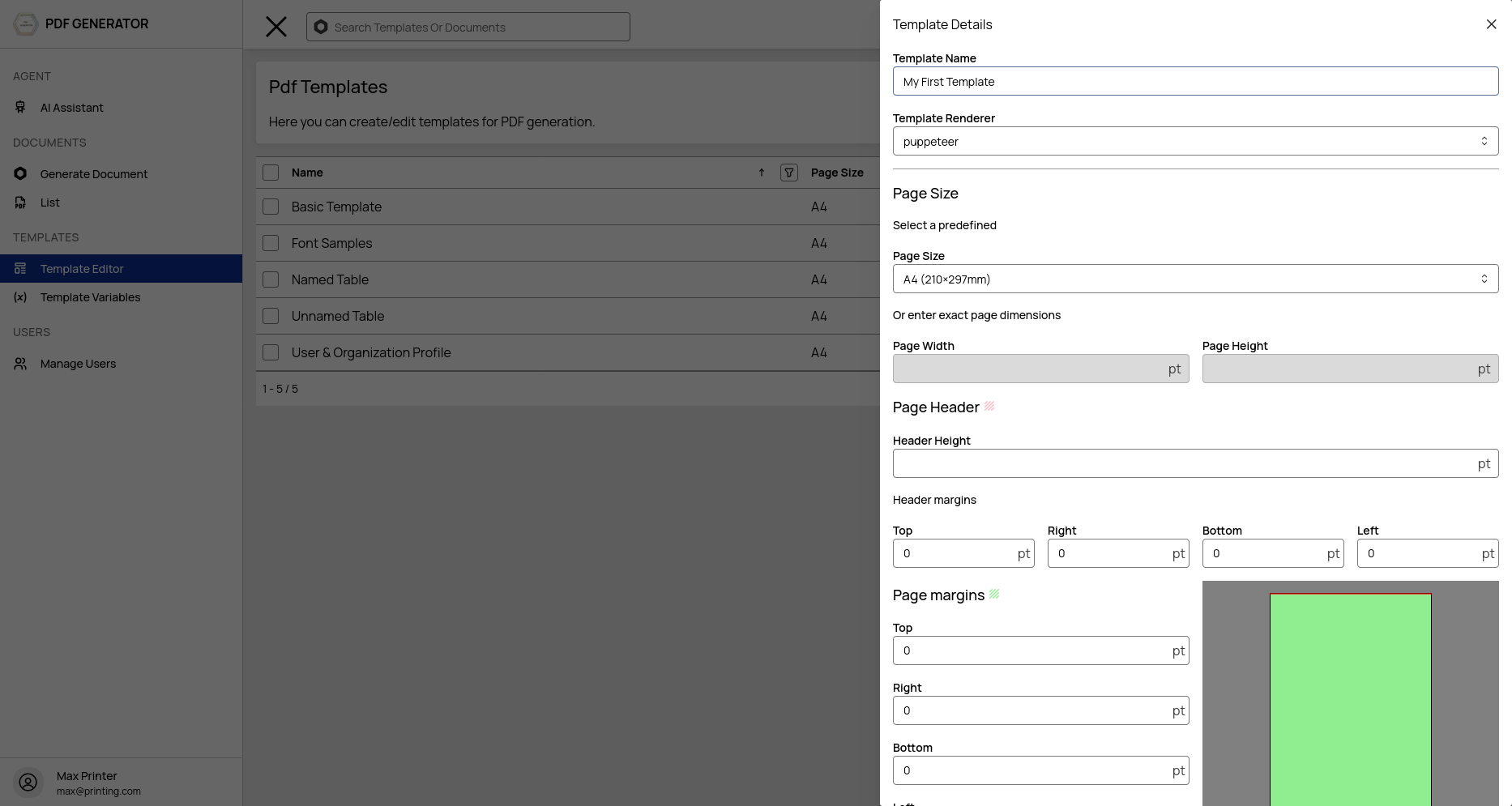
Template Name
A descriptive name for your template. This is shown in the dashboard and used as the default output filename.
Template Type
Two types are available:
- Simple — Opens in the TinyMCE rich text editor. Best for straightforward documents without complex layouts. Only one file (index.html).
- Full — Opens in the Monaco code editor. Supports multiple files (header, body, footer). Best for complex layouts with custom HTML/CSS/JS.
You can switch editors at any time while editing.
Renderer
Choose which engine converts your HTML to PDF:
| Renderer | Best For |
|---|---|
| iText (default) | Professional-grade PDFs, native metadata embedding, typographic precision |
| Puppeteer | Pixel-perfect web rendering, full CSS support, JavaScript execution |
You can override the renderer per generation request via the API.
Page Size
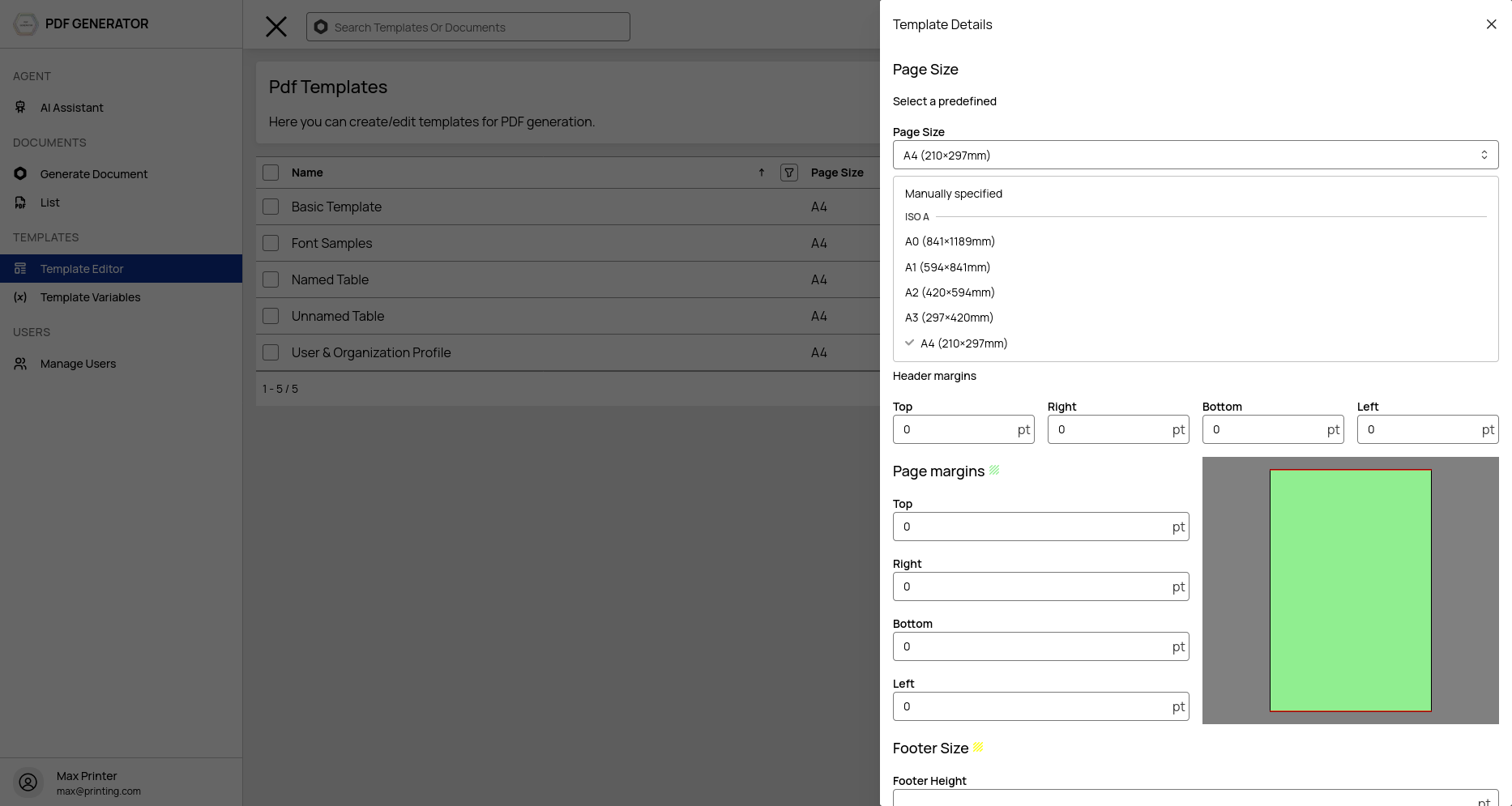
Select from 60+ standard page sizes, including:
- A-series: A0 through A10
- B-series: B0 through B10
- JIS B-series: JIS-B4, JIS-B5
- US sizes: Letter, Legal, Ledger, Tabloid, Executive
- Envelopes: C2 through C6, DL
- SRA/RA: SRA0-SRA4, RA0-RA2
Or set custom dimensions by specifying pageWidthPt and pageHeightPt in points (1 point = 1/72 inch).
Margins
Configure four margin values (top, right, bottom, left) in points. You can also set separate header margins and footer margins if your template uses a header or footer.
Header & Footer
Enable header and footer sections for your template. When enabled:
- Set the header height and footer height in points
- Separate header/footer HTML files are created in the file tree
- Header and footer margins control spacing between header/footer and the body content
Managing Templates
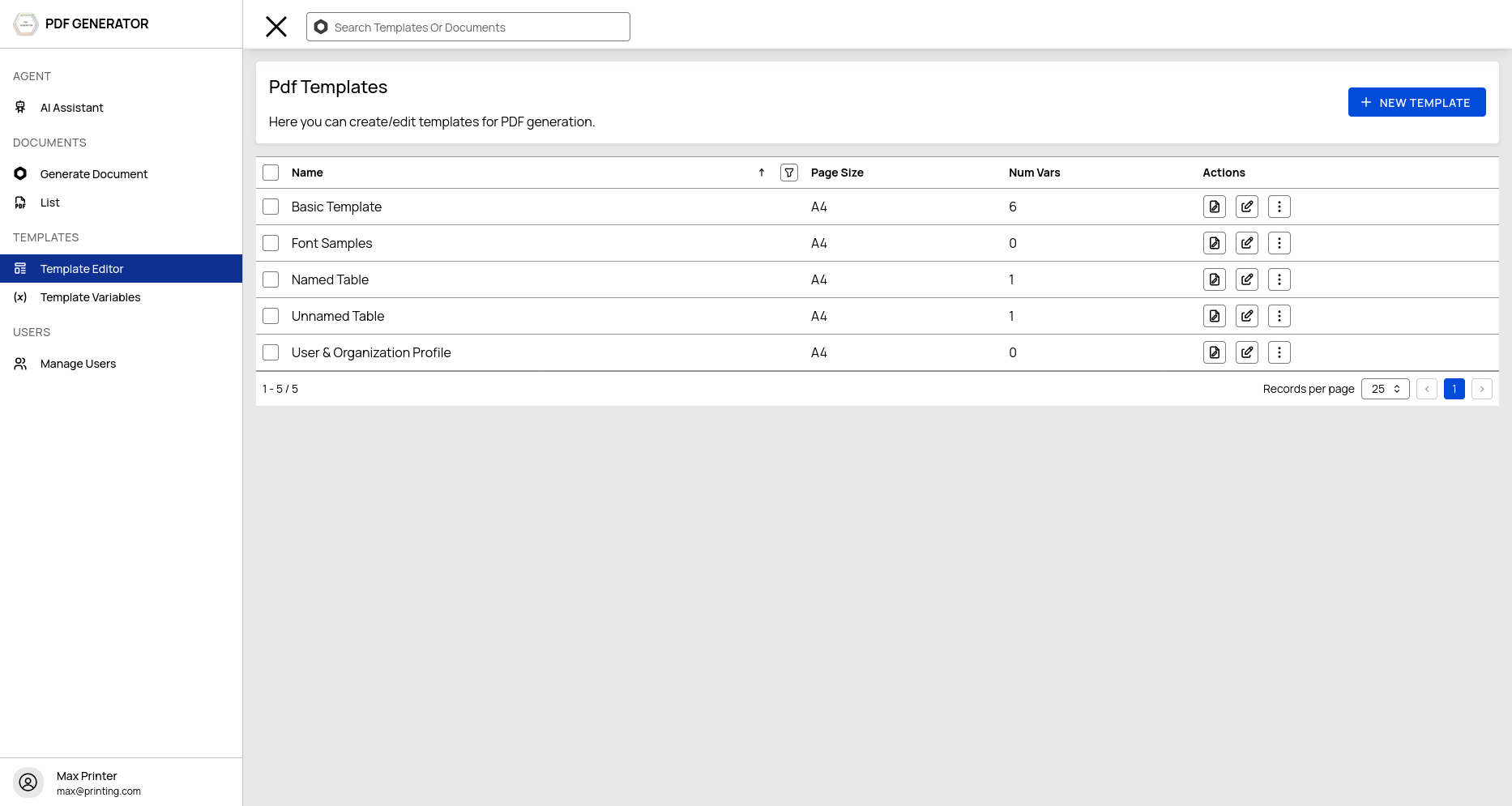
The Template Editor page shows all templates in a data table with actions:
- Edit — Open the template in the code/rich text editor
- Duplicate — (coming soon)
- Delete — Remove the template and all its files (Admin only)
Template Limits
The number of templates you can create depends on your subscription tier:
| Tier | Max Templates |
|---|---|
| Free | 3 |
| Bronze | 20 |
| Silver | 50 |
| Gold | 100 |
Super admins bypass template limits.